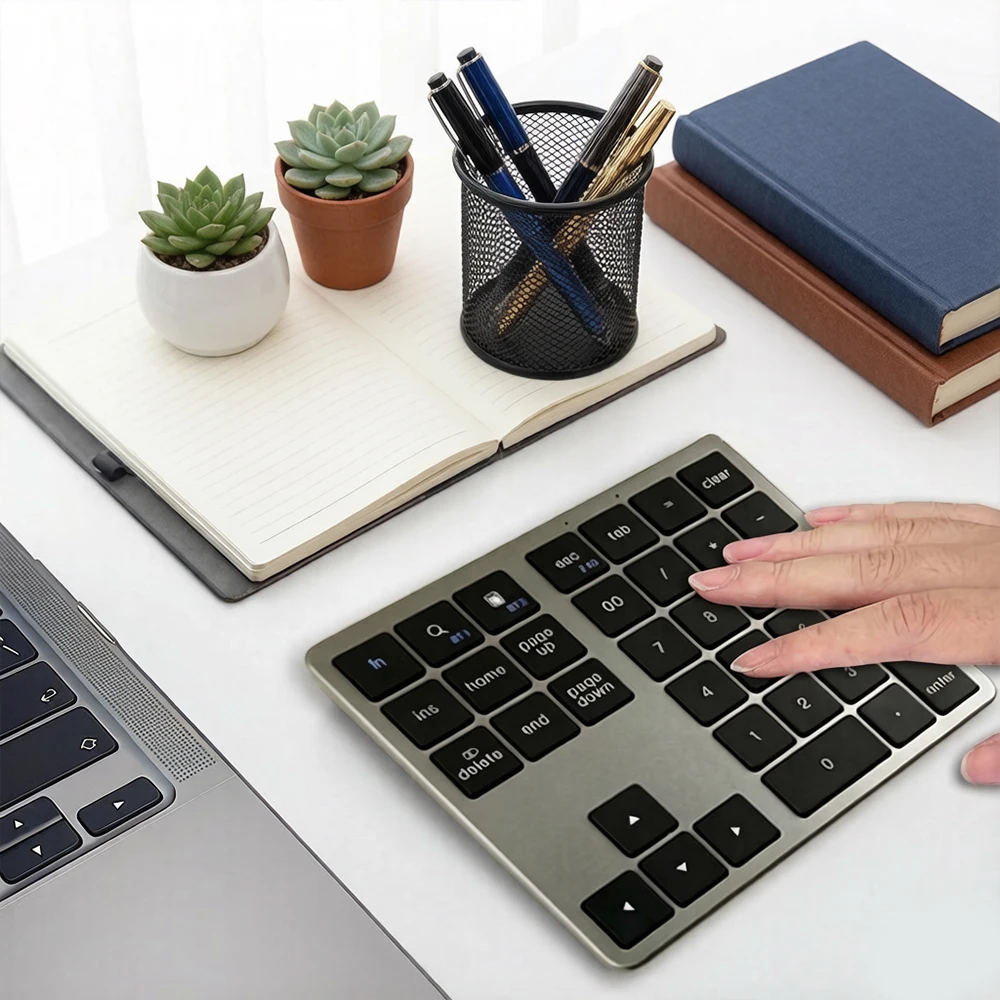
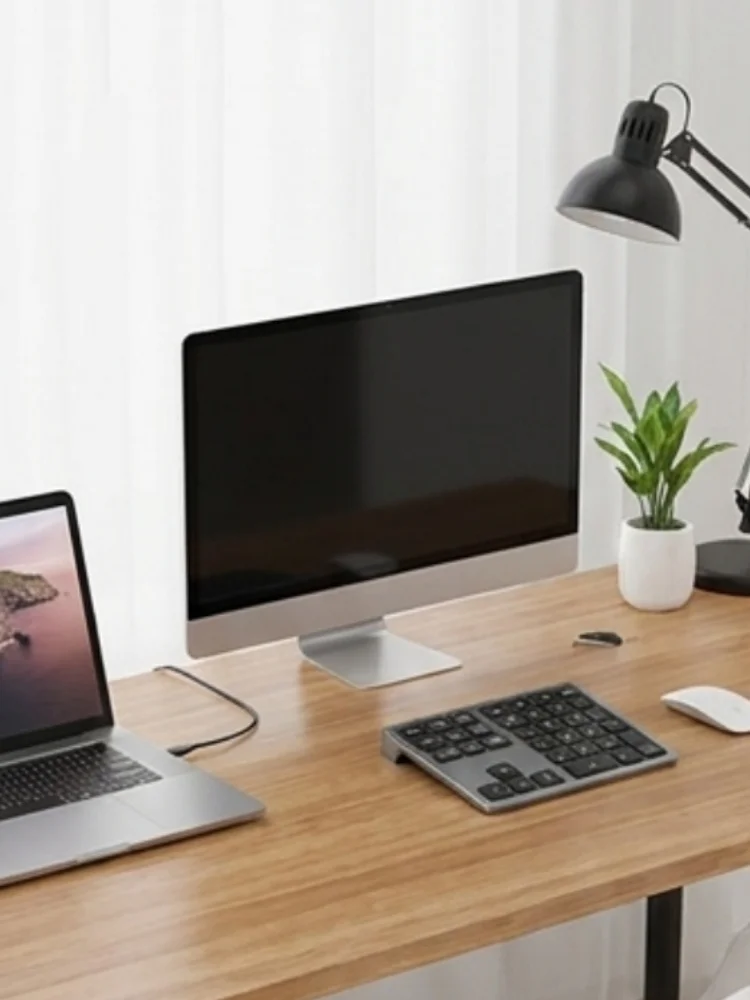
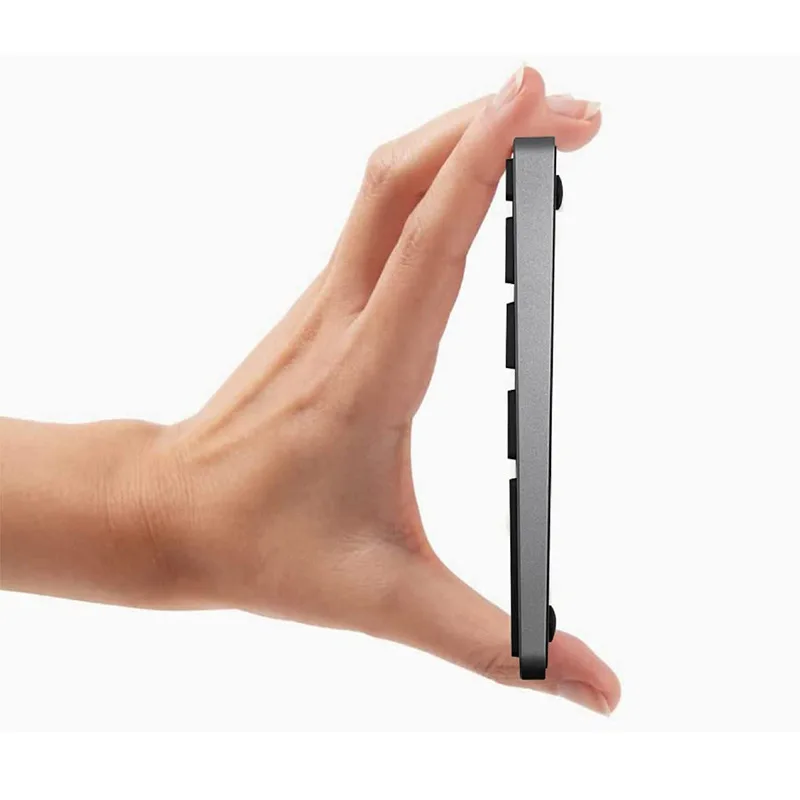
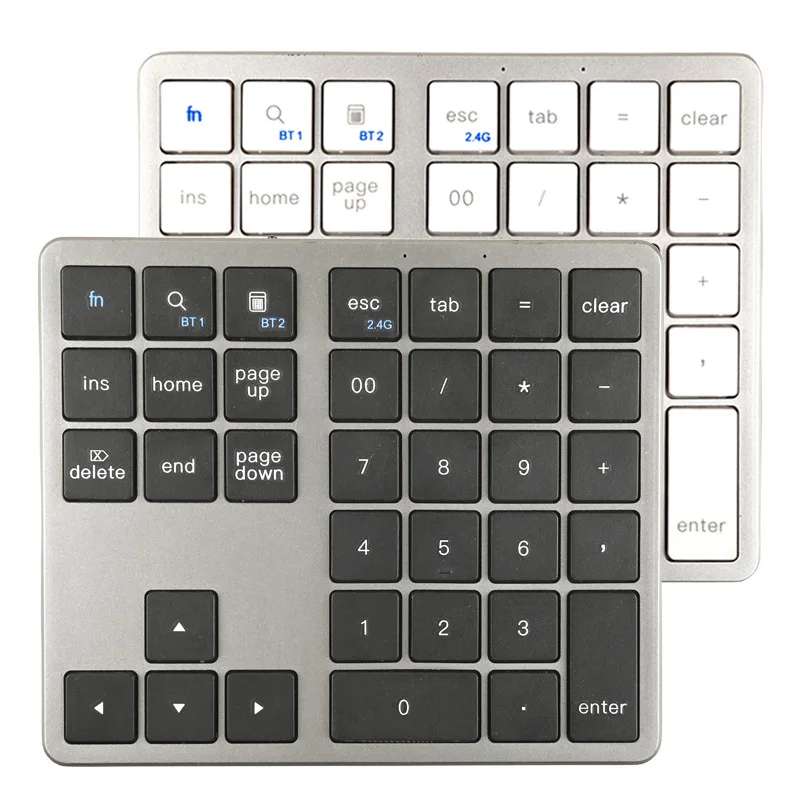
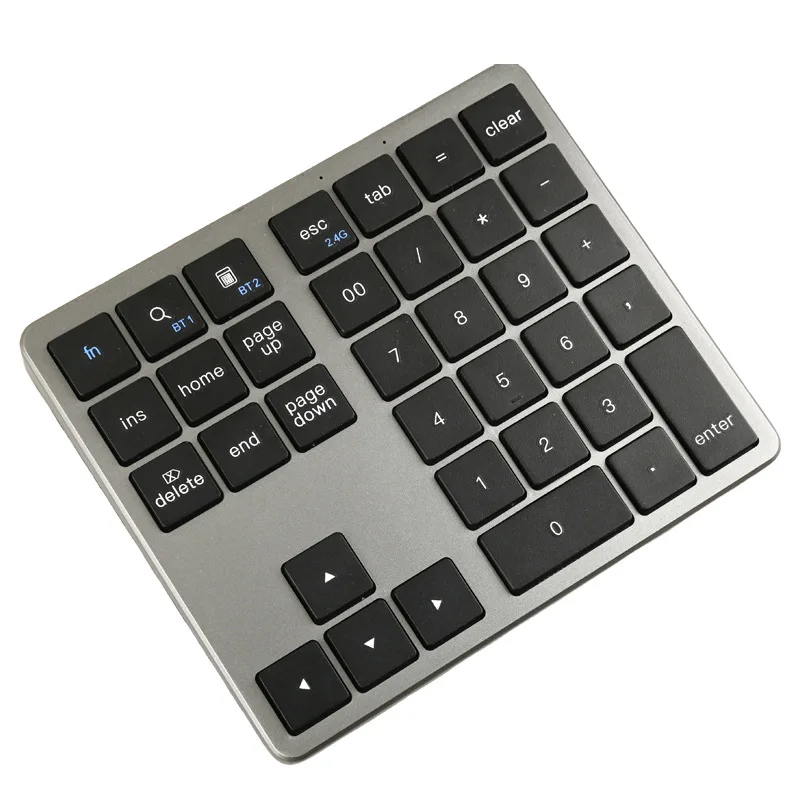
Wireless Numeric Keypad K35, 2.4Ghz & Bluetooth Dual Mode USB-C Rechargeable Numpad for Windows Android iOS
Wireless Numeric Keypad K35, 2.4Ghz & Bluetooth Dual Mode USB-C Rechargeable Numpad for Windows Android iOS
Couldn't load pickup availability
SPECIFICATIONS
Application: Tablet
Battery Included: Yes
Brand Name: HOMEFISH
Choice: yes
High-concerned chemical: none
Interface Type: USB
Keyboard Standard: Mini Keyboard
Language: English
Operation Style: Capacitive
Origin: Mainland China
Style: Standard
Type: 2.4Ghz Wireless
Description
Bluetooth Connection Instructions
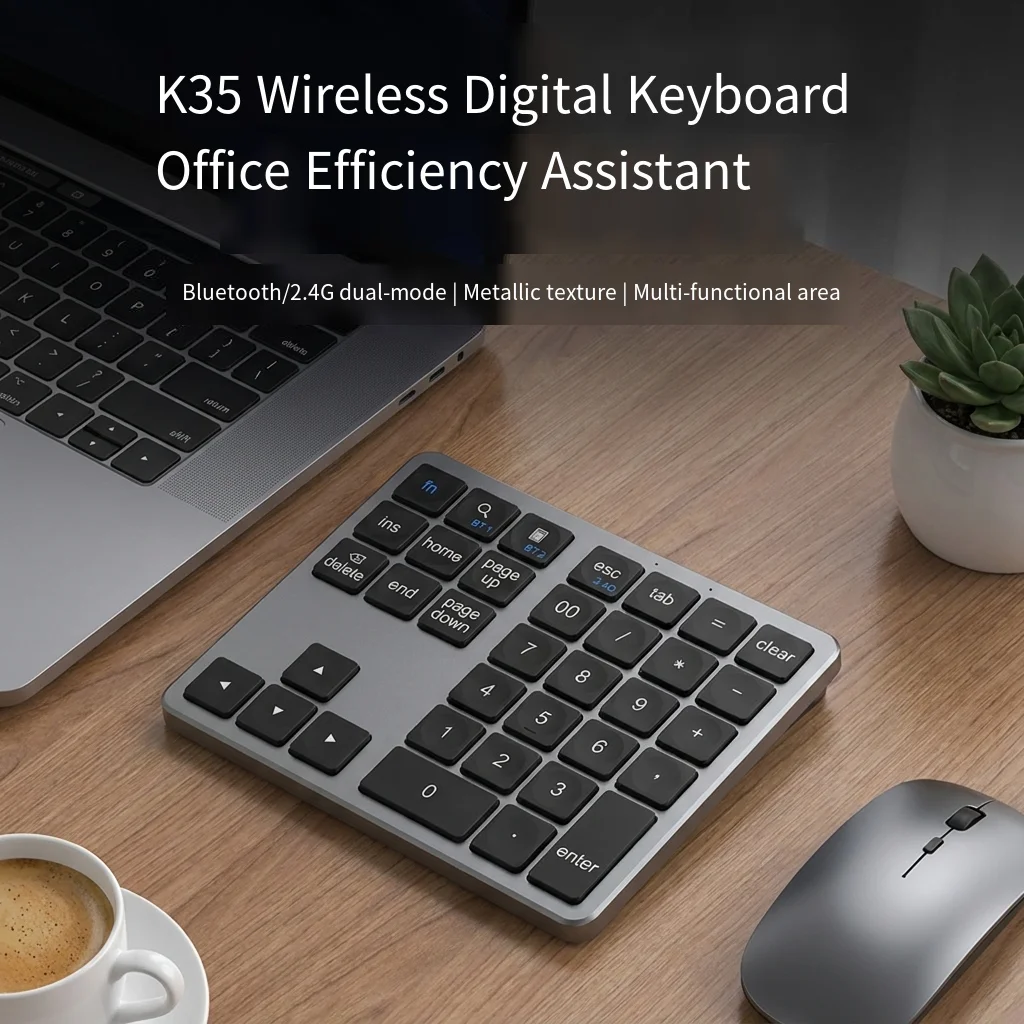
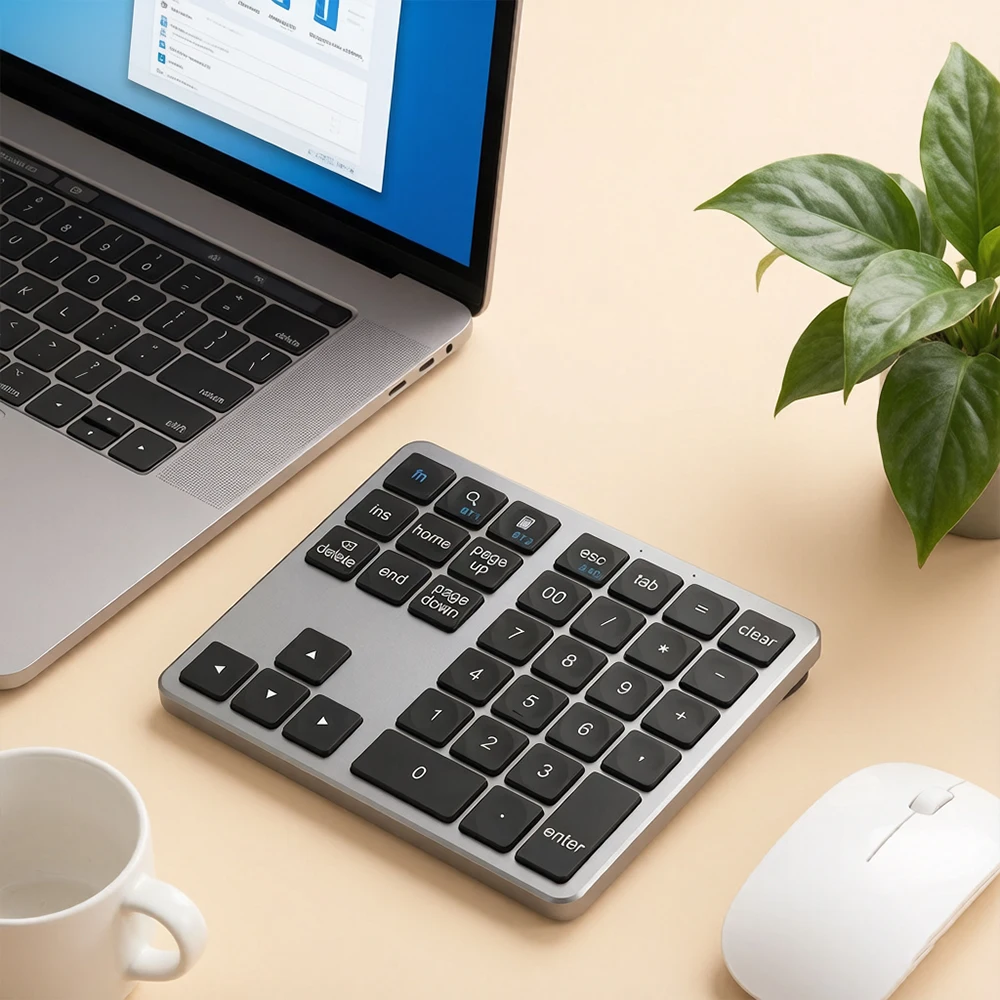
1) Pair with the device on Bluetooth Channel 1 by pressing FN + BT1; pair with the device on Bluetooth Channel 2 by pressing FN + BT2.
2) To connect the first device, hold down FN + BT1 or FN + BT2 for approximately 3 seconds. Devices running Windows 7 or earlier versions will display "BTK35-3.0", while devices running Windows 7 or higher versions will display "BTC35-5.0". Simply click "Connect".
3) For devices already added to BT1 or BT2, short press FN + BT1 or FN + BT2 to switch Bluetooth channels.
2.4G Connection Instructions
1) Connect the 2.4G receiver; use it by short pressing FN + 2.4G.
Note: If you find the Bluetooth or 2.4G connection unstable or the device does not work, press down FN + BT1 (BT1), FN + BT2 (BT2), or FN + 2.4G (2.4G) to re-pair the device.